
Drag your ideaBuild the path

Describe what you want to create
16:9 Cinematic
CinematicMake anything that comes to mind.
Finished images and video from a plain description. No setup, no experience needed.
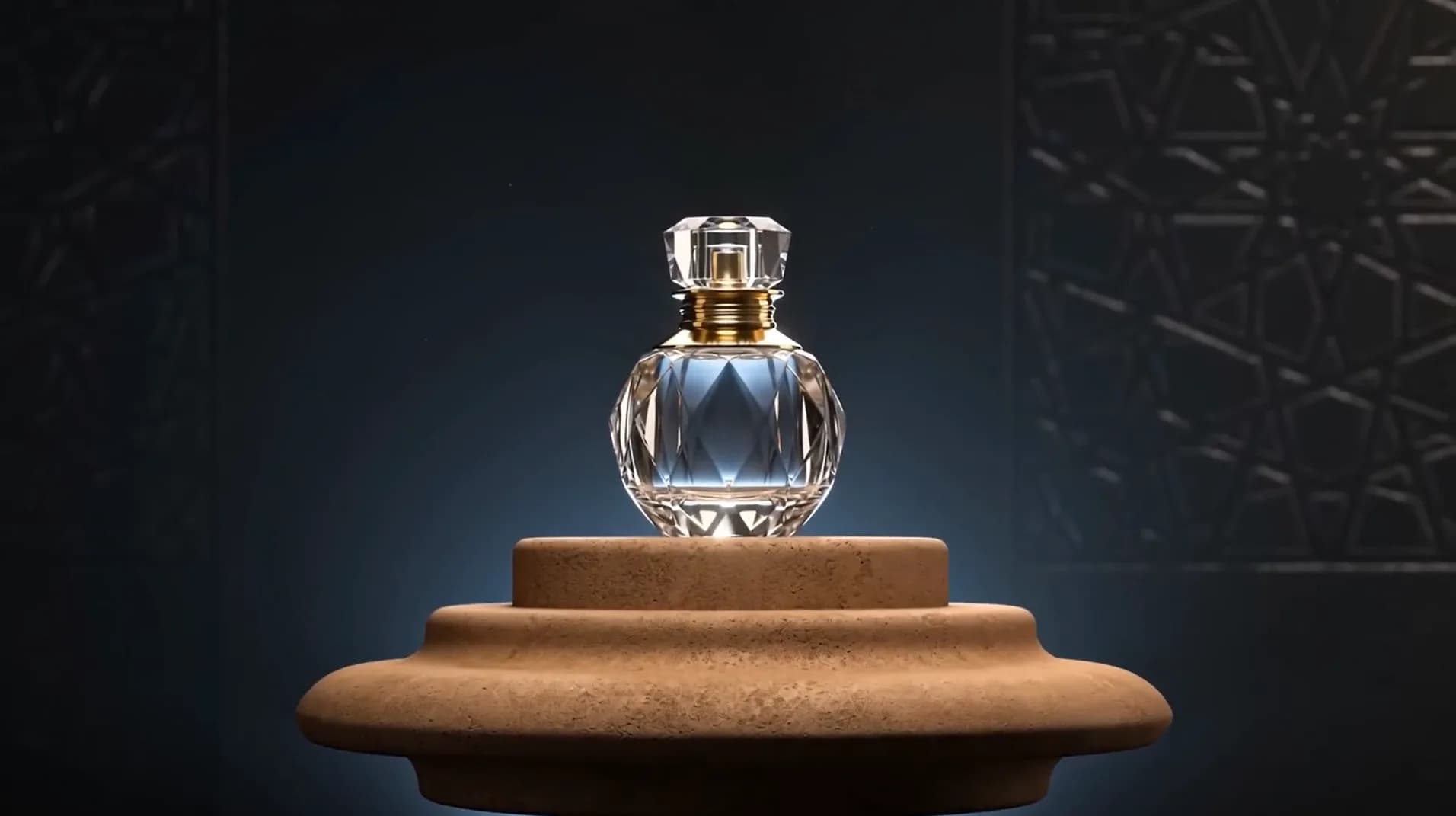
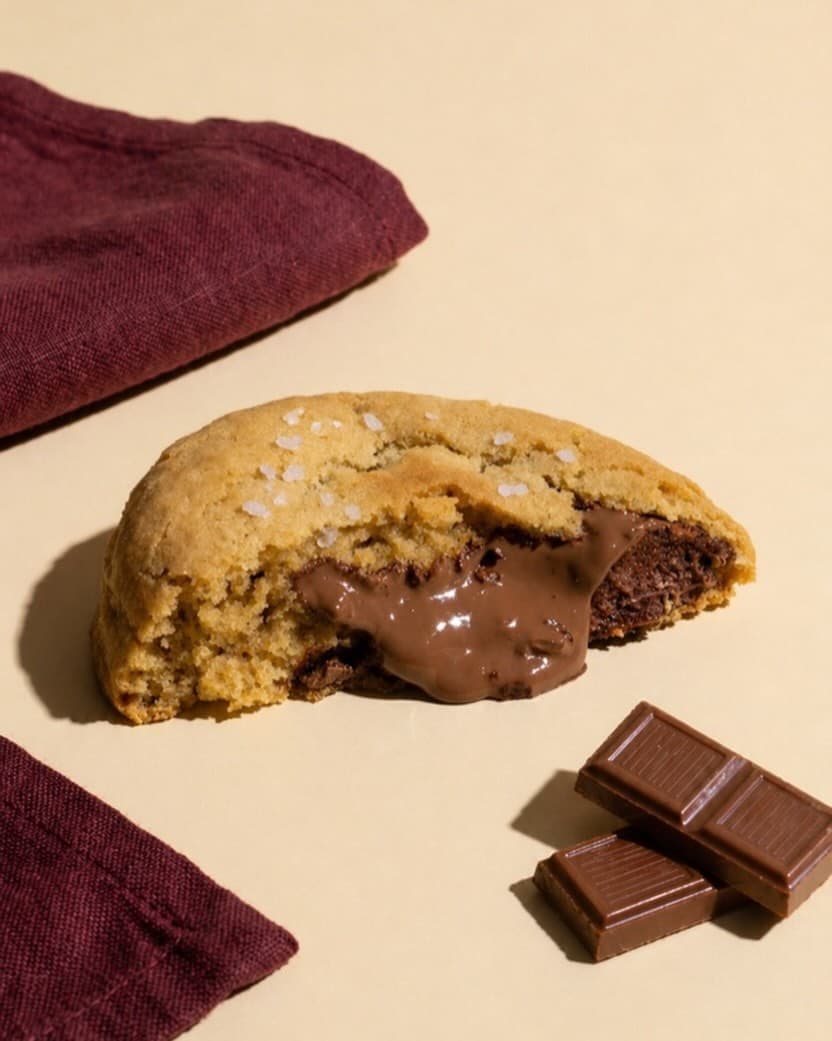
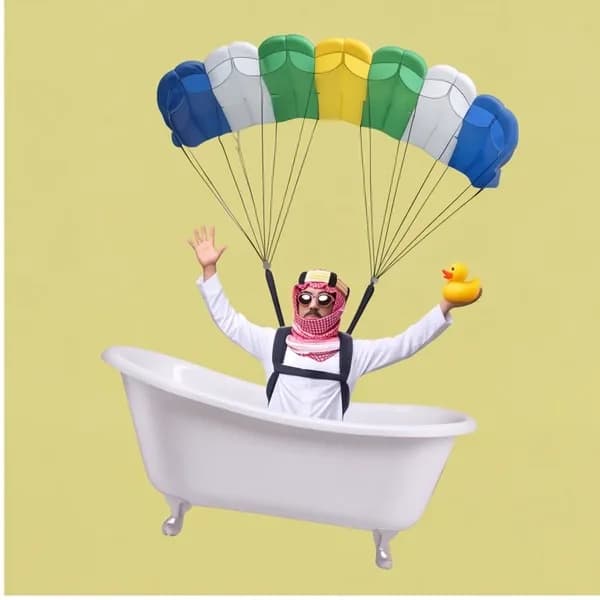
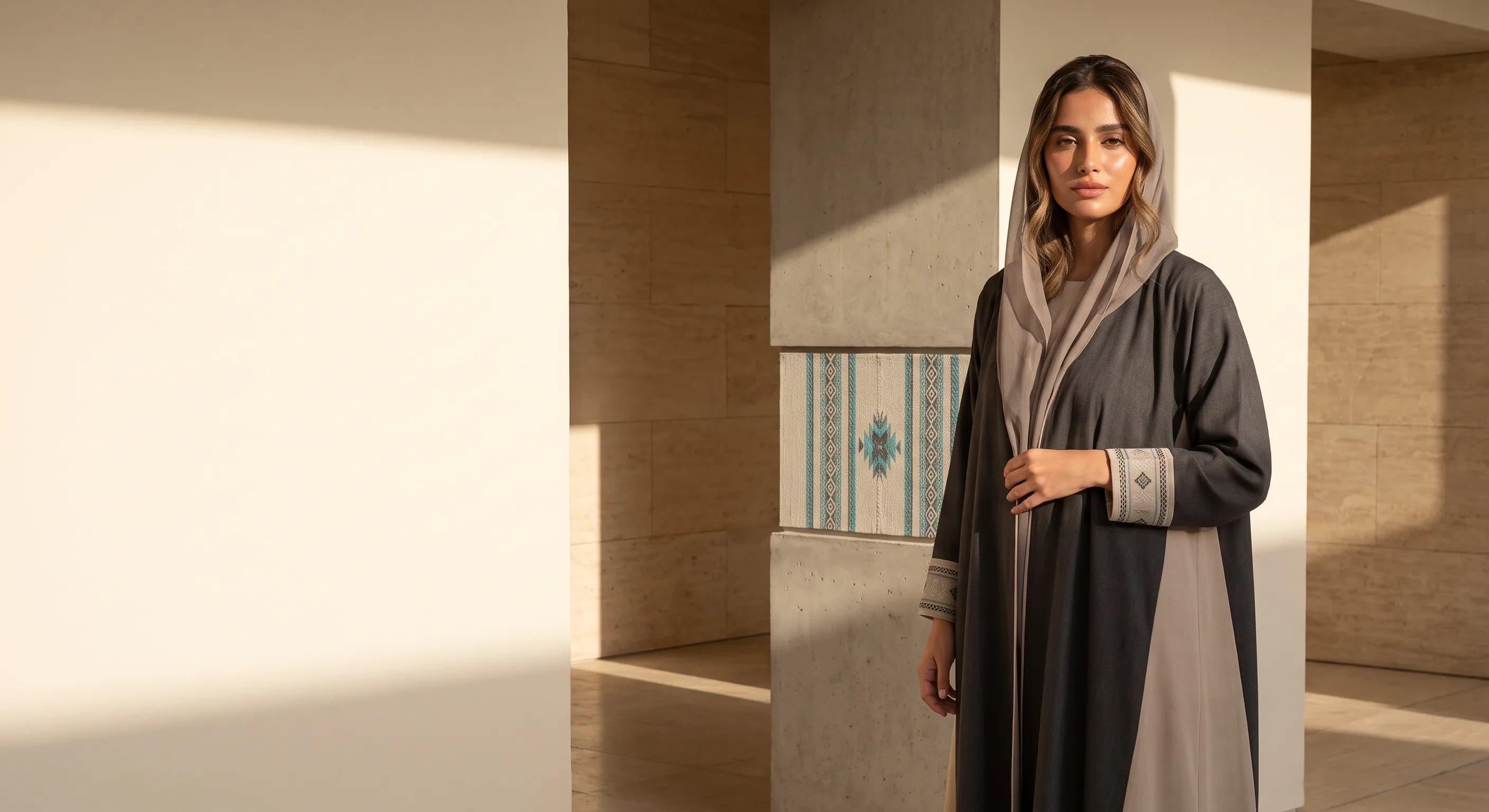
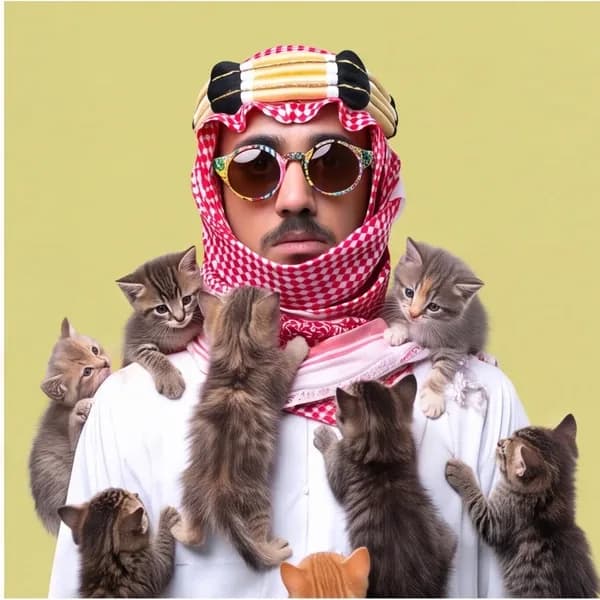

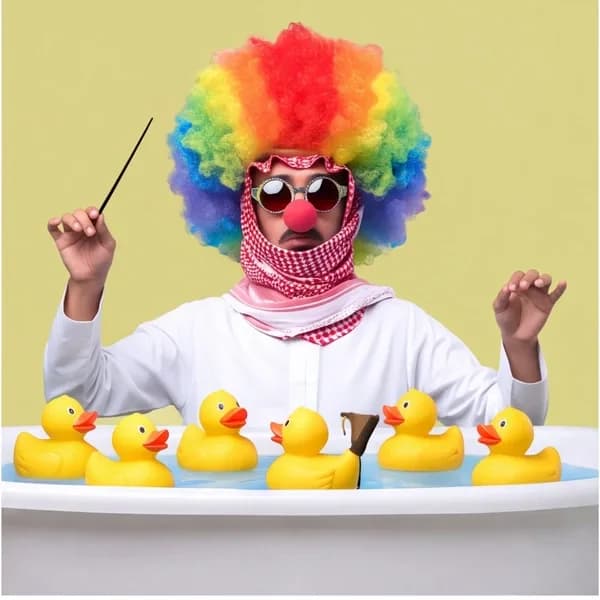
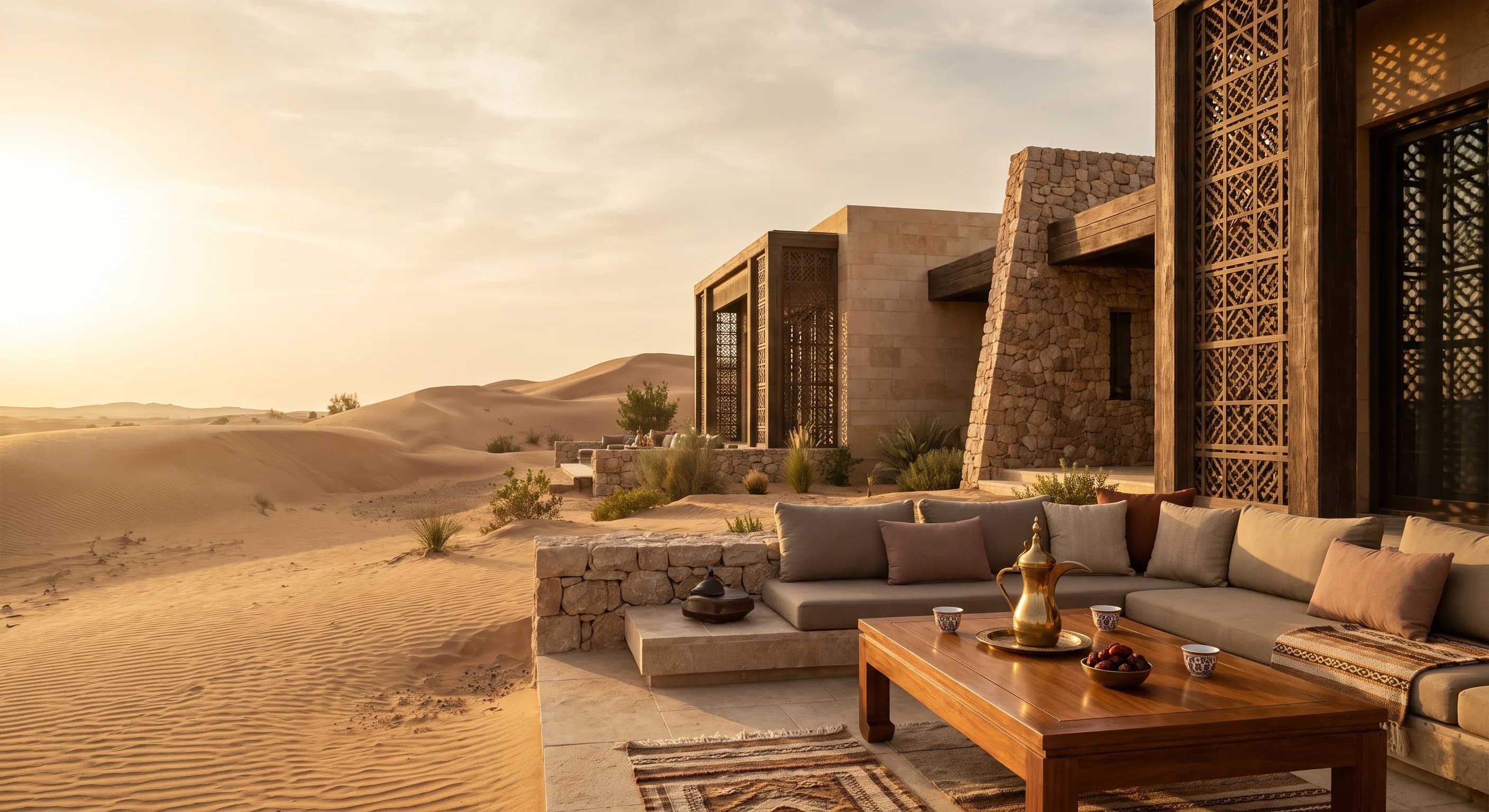
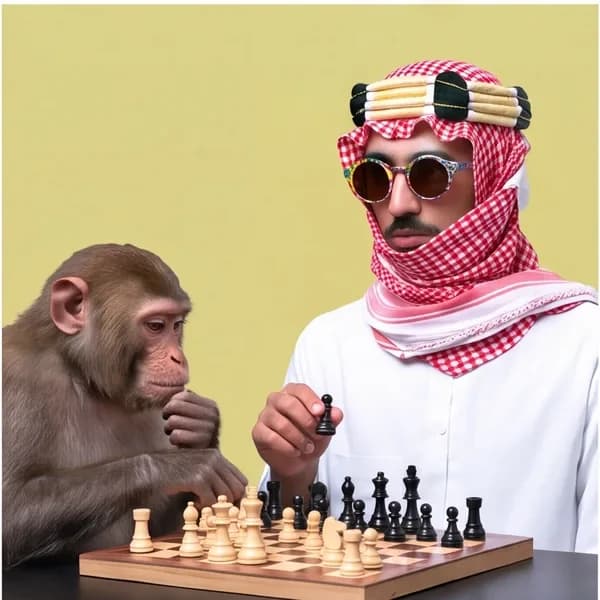

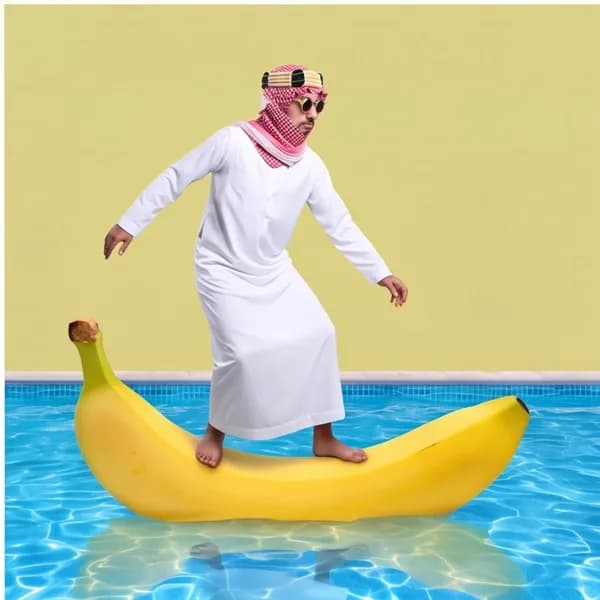
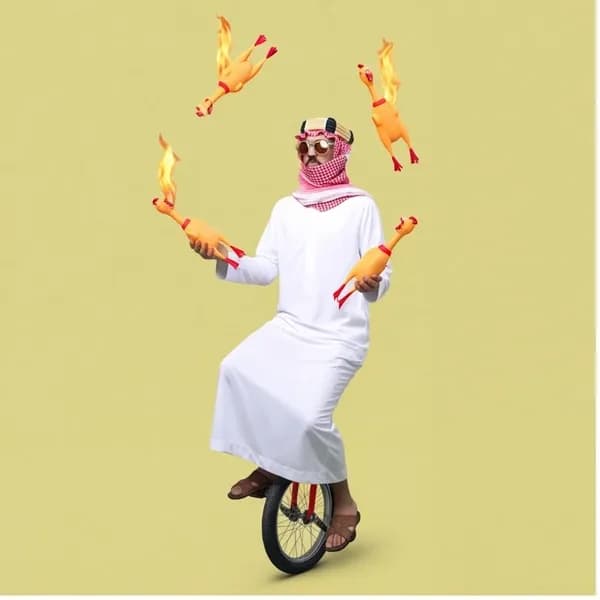


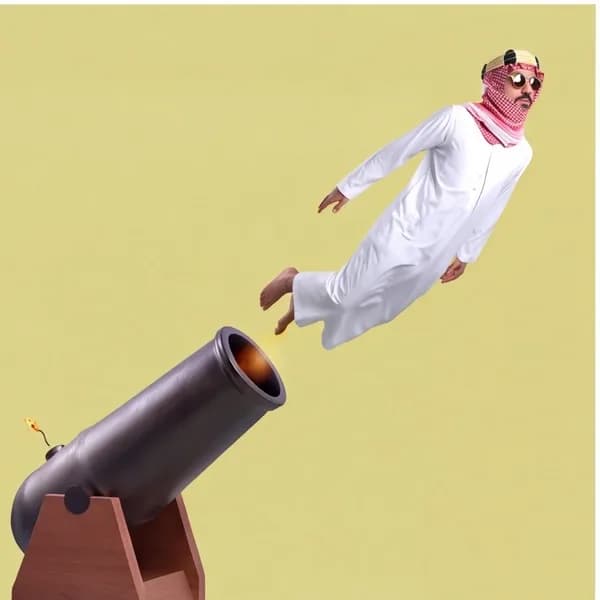
AzizImage specialist
Turns a simple prompt or reference photo into polished, campaign-ready images.
Create with Aziz
LinaVideo specialist
Turns a single photo into cinematic video, handling the motion and pacing for you.
Create with Lina
One phone photo.A whole campaign.
Drop it in, wire it to a reference and a prompt, and Aziz does the rest.
One 2K shot is 14 credits. The whole campaign, 42. Want video? Same path, swap Aziz for Lina.
Start your first path
Photo
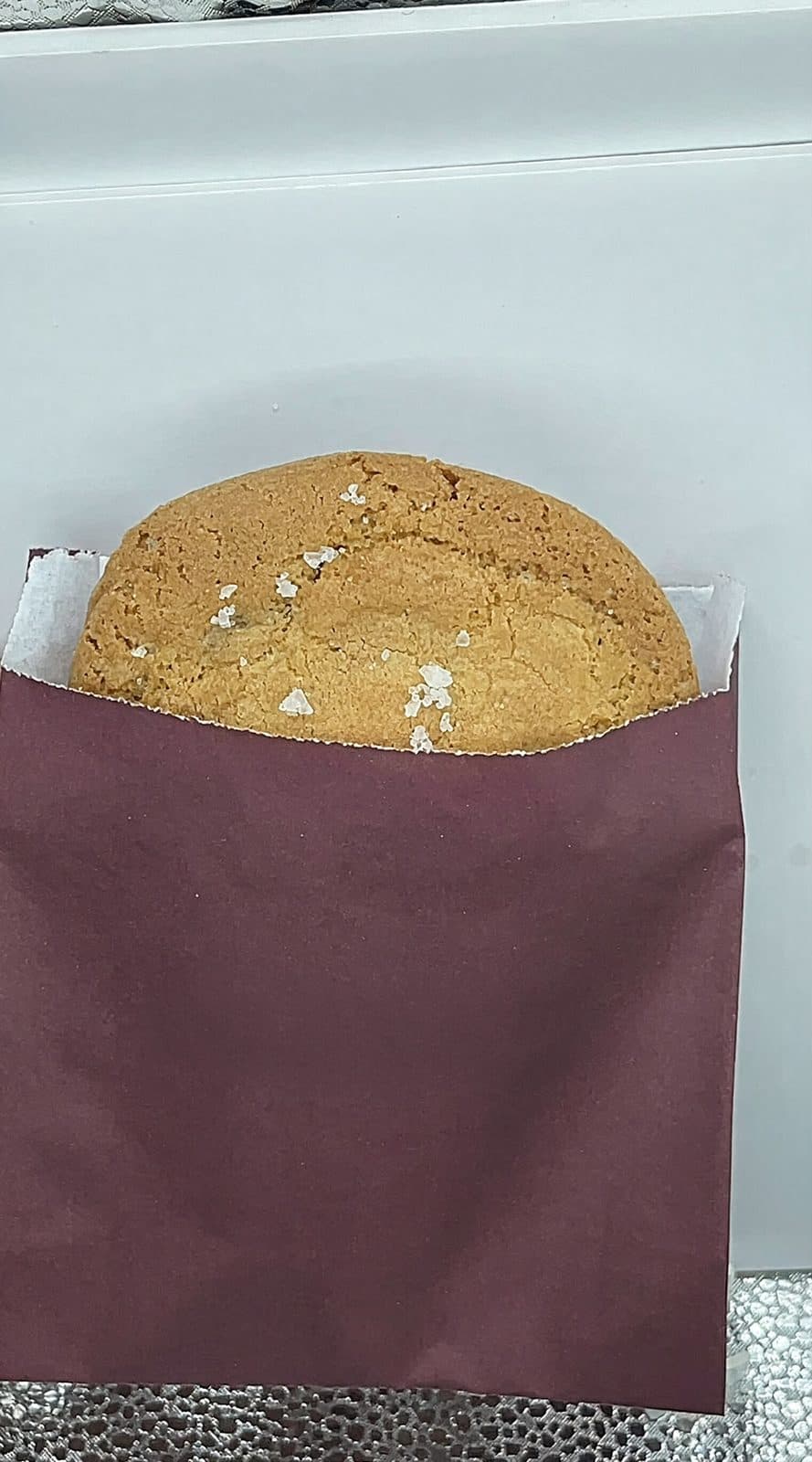
Prompt
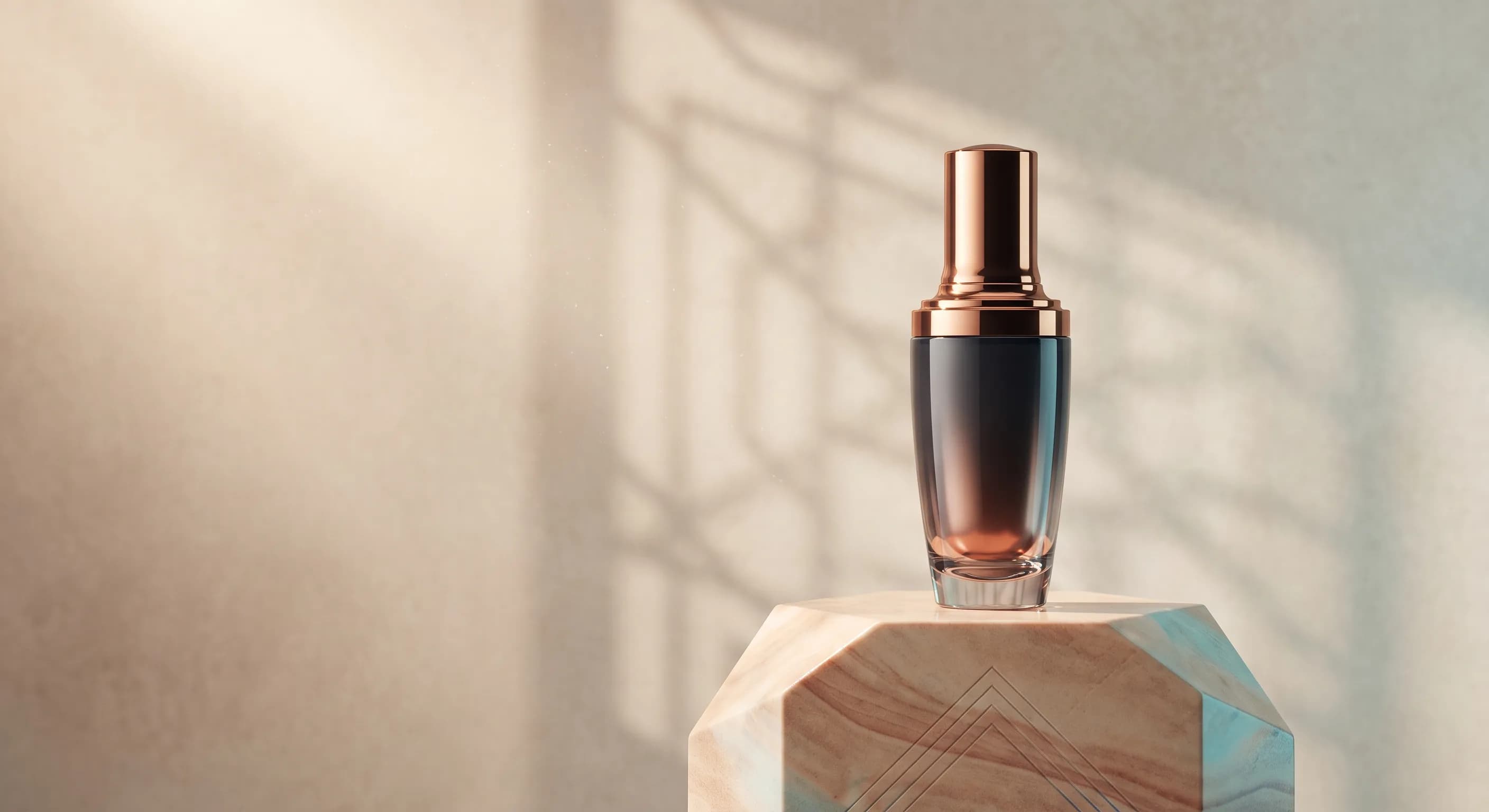
Studio product shot, cream backdrop, a burgundy touch like the reference
Aziz
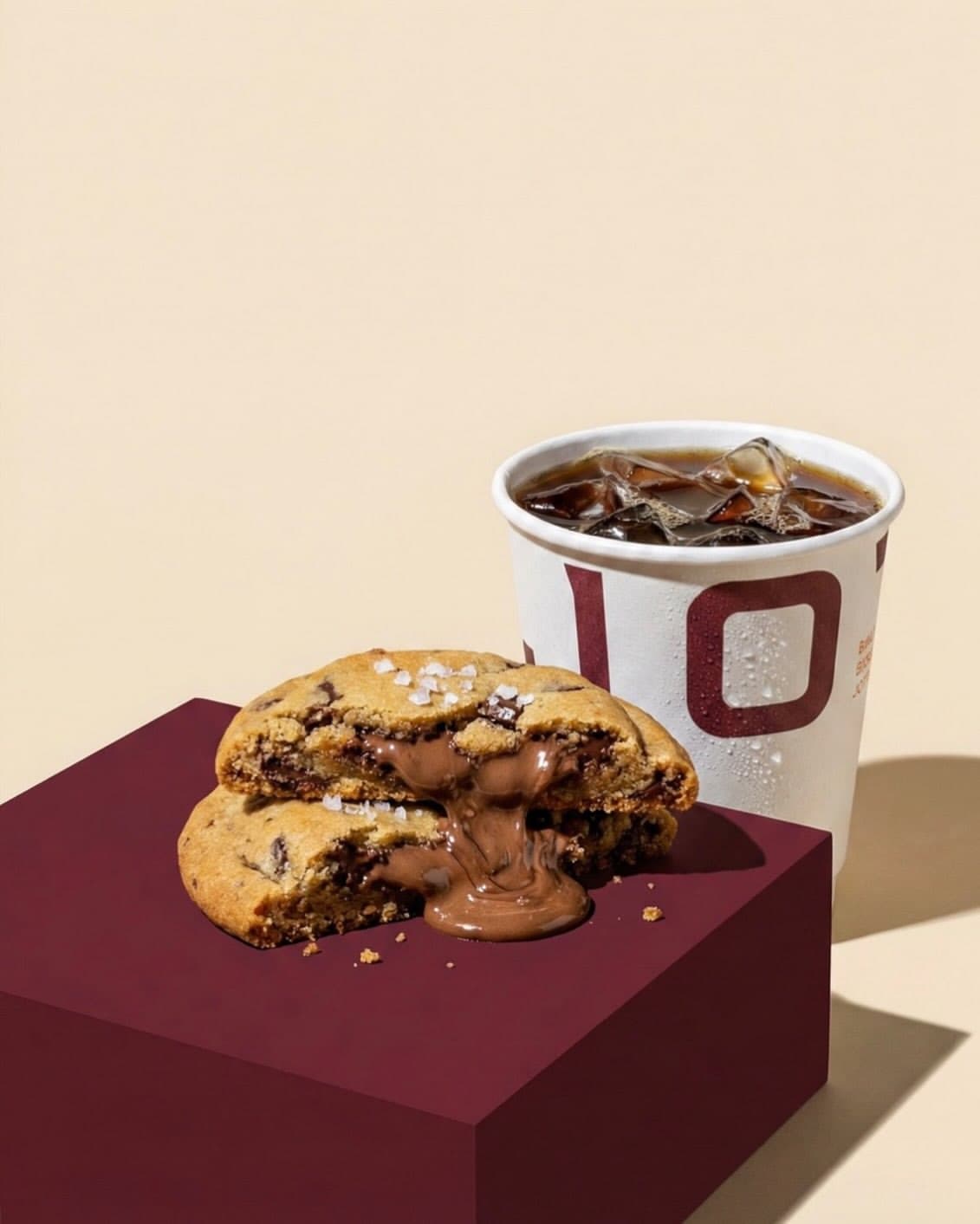
Ready2K · 14 credits
Came out great. Ready to post.
FAQ
Everything you need to know before starting